14 May 2026
Nano Banana Character Consistency: 12 Prompts That Actually Work — 2026 Guide
Introduction
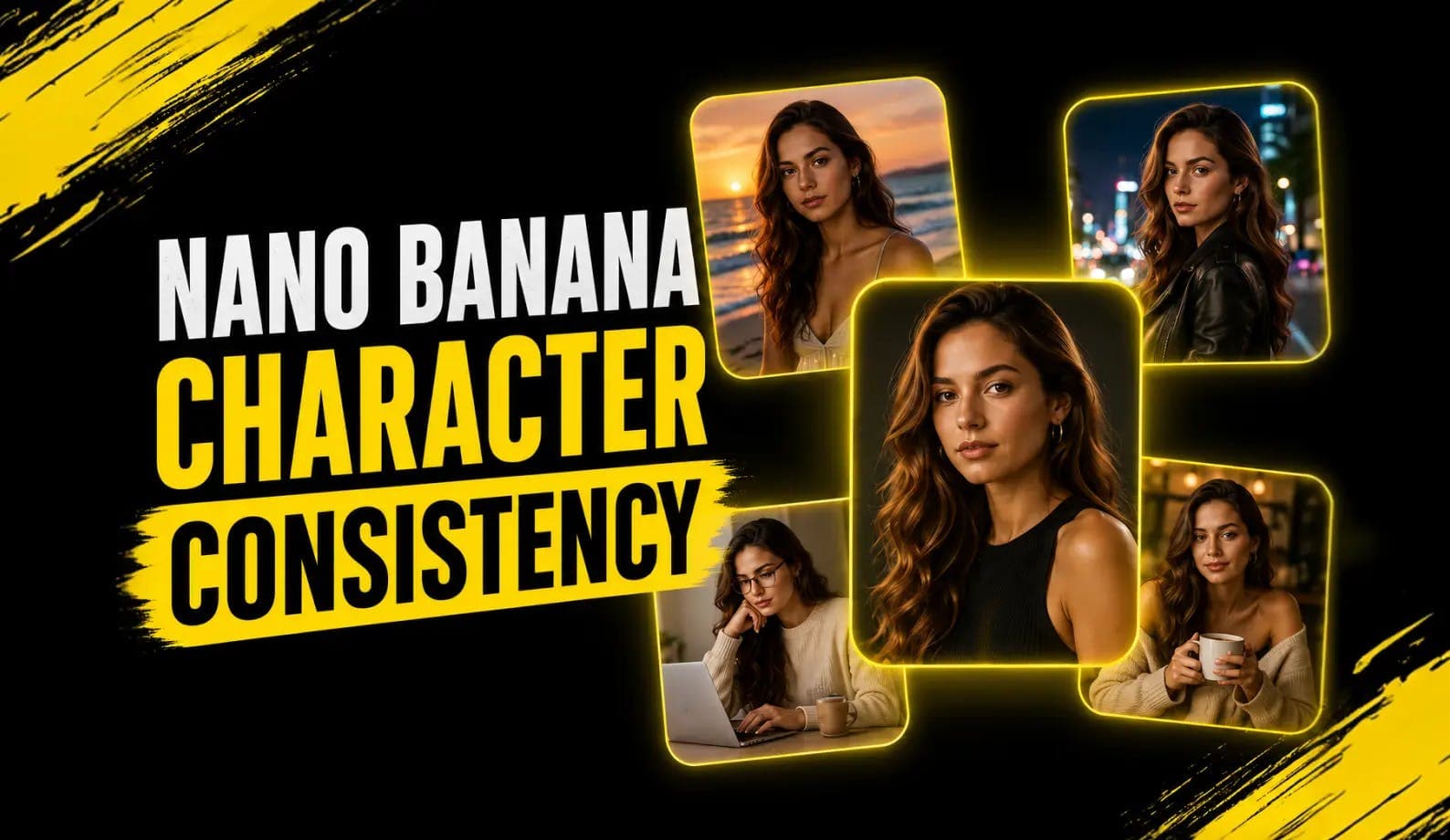
For years, the hardest problem in AI image generation wasn't quality. It was consistency. You could generate a beautiful character in one prompt, then ask for "the same character, walking down a street," and the model would hand you a different person.
That problem is mostly solved now. Nano Banana — Google's Gemini 2.5 Flash Image, and the newer Nano Banana 2 (Gemini 3.1 Flash Image, released Feb 2026) — can hold a character's face, outfit, and proportions across multiple edits and scenes. Per Google's launch announcement, Nano Banana 2 maintains the resemblance of up to five characters and the fidelity of up to 14 objects in a single workflow. That's not a marketing line. In practice, it's the reason this model is becoming the default for comics, storyboards, product photography and virtual try-on.
This post is the practical version. Twelve prompts you can copy, the anatomy of what works, and an honest list of where the model still misses. If you've been pulling your hair out over Midjourney character drift, this is the guide.
What "Character Consistency" Means
The Three Things People Actually Mean by the Term
When prompters say "character consistency," they usually mean one of three different things:
Identity Consistency
Same face, same hair, same age across scenes.
Wardrobe Consistency
Same outfit, same accessories, same colors.
Stylistic Consistency
Same art style, same rendering, same vibe.
The hardest of the three is identity. Diffusion models (Stable Diffusion, Midjourney, DALL-E) re-roll the latent on every generation, which means subtle face features drift unless you train a LoRA, supply embeddings, or stack reference-image conditioning. That's a lot of setup for "draw my character one more time."
Nano Banana approaches the problem differently. Because it's a native multimodal model — image generation built into a language model rather than bolted on — it can take an existing image as input and edit it rather than redraw it. Same face, same outfit, new pose. That single architectural choice is why it wins on consistency.
The 12 Prompts
Copy And Paste Ready
Every prompt below assumes you've already uploaded a reference image of your character. The first prompt creates the character; the rest hold it consistent across scenes, outfits, and angles.
Prompt 1 — Establish The Character
Use this first. It creates your reference image.
"Generate a portrait of a woman in her early 30s, with shoulder-length wavy dark brown hair, hazel eyes, a small scar above her left eyebrow, wearing a cream linen shirt and gold hoop earrings. Soft natural light from the left. Neutral grey background. Photorealistic, magazine portrait quality, 3:2 aspect ratio."
Save this image. Every prompt below starts with this image uploaded as a reference.
Prompt 2 — New Pose, Same Identity
"Same character as the reference image. Now show her standing in front of a window, holding a cup of coffee, looking out. Same face, same hair, same earrings, same cream linen shirt. Soft natural morning light. Photorealistic."
Prompt 3 — New Outfit, Same Face
"Same character as the reference. Now show her wearing a charcoal grey wool blazer over a white t-shirt, walking down a city street. Same face, same hair, same scar above the left eyebrow. Late afternoon light. Cinematic.”
Prompt 4 — Side Profile
"Same character as the reference. Show her in profile, looking to the right, against a soft white background. Same face shape, same hair, same earrings. Portrait lighting. Photorealistic."
Prompt 5 — Different Setting
"Same character as the reference. Place her at a wooden kitchen counter, slicing an apple. Same cream linen shirt, same face, same hair, same earrings. Warm afternoon light from a window behind her. Lifestyle photography style."
Prompt 6 — Different Age (Same Character, Five Years Later)
"Same character as the reference, now aged five years older. Subtle laugh lines, slightly longer hair. Same hazel eyes, same scar above the left eyebrow, same general bone structure. Wearing a navy crewneck sweater. Same overall identity. Photorealistic portrait."
Prompt 7 — Two Characters Together
Establish a second reference (call it Character B) before running this.
"Show Character A from the first reference image and Character B from the second reference image standing next to each other, having a casual conversation in a sunlit café. Maintain both faces exactly as in the references. Same outfits as in the references. Natural ambient light. Photorealistic."
Prompt 8 — Animated / Stylized Variant
"Same character as the reference image, redrawn in the style of a Studio Ghibli animation cel. Maintain her recognizable features — wavy dark brown hair, hazel eyes, small scar above the left eyebrow, cream linen shirt, gold hoop earrings. 2D animation style."
Prompt 9 — Product Photography (Same Model)
"Same character as the reference image, holding a glass perfume bottle in her right hand at chest height. Soft beauty lighting, white seamless background. Same face, same hair, same earrings. Editorial product photography style."
Prompt 10 — Multi-Frame Storyboard
"Generate a 3-panel storyboard with the same character from the reference image. Panel 1: she enters a coffee shop. Panel 2: she orders at the counter. Panel 3: she sits down at a window seat with her coffee. Same face, same outfit, same earrings in every panel. Cinematic style. 16:9 each panel."
Prompt 11 — Outfit Swap With Identity Lock
"Same character as the reference. Show her wearing five different outfits in a 5-panel layout: (1) a black cocktail dress, (2) a casual white sundress, (3) a tailored grey suit, (4) a denim jacket over a white tee, (5) a cream cable-knit sweater. Same face in every panel. Same hair. Same earrings. Photorealistic."
Prompt 12 — Side-By-Side Continuity Check
"Same character as the reference, shown in two side-by-side images. Left: the original reference photo. Right: the same person in three-quarter view turning her head to look toward the camera. Same face, same hair, same lighting style. This is a continuity test — the two images should be unmistakably the same person."
That last one is the test. If prompt 12 returns two people who could plausibly be the same person across both panels, you've got a working consistency setup. If they look like sisters, your reference photo is too low-resolution or too ambiguous — go back to prompt 1 and add more specific identifying details (scar, freckles, mole, distinctive earrings, etc.).
The Prompt Anatomy
That Holds Identity Together
Every prompt above has the same five anchors. Memorize these.
1. The Reference Call
Always start with "Same character as the reference image." Not "the same character" or "this person." The model parses the explicit reference call more reliably.
2. The Identifying Features
Repeat the 3–4 most distinctive features in every prompt: hair color and length, eye color, a unique mark (scar, freckle, mole), and one accessory the character always wears. The repetition is what locks identity.
3. The Wardrobe State
Either "same outfit as the reference" (locks wardrobe) or "now wearing X" (changes wardrobe while identity is held by anchor 2). Decide which one applies and be explicit.
4. The Scene
What's happening, where, when. Be specific about lighting — "morning light from the left" beats "natural light."
5. The Style Instruction
Photorealistic, editorial, cinematic, 2D animation, magazine portrait — set the rendering style explicitly. Don't assume the model will match the reference's style by default.
A useful frame: the reference image carries identity, the prompt carries everything else. The more you let the reference do the work of identity, the more the prompt can change.
Why Nano Banana Holds Consistency
When Diffusion Models Don't
Three reasons, in order of importance.
1. Native Image-To-Image, Not Generate-Then-Edit
Diffusion-based models add image conditioning on top of a generative process. Nano Banana operates over the reference image directly. The result is dramatically lower identity drift across iterations.
2. World Knowledge In The Same Model
Because Nano Banana is built on Gemini, it understands what "the same person" means semantically, not just visually. Ask it for "the same character five years older" and it knows what aging looks like — Stable Diffusion just averages pixels.
3. Multi-Object Consistency Budget
Nano Banana 2 holds up to 5 characters and 14 objects across a single workflow. That's enough budget to maintain a protagonist, a sidekick, and the entire wardrobe across 10+ panels.
The combination is why Nano Banana is rapidly becoming the default for virtual try-on workflows, product photography, and any task where the same subject needs to show up twice.
What's New In Nano Banana 2
The V1 Vs V2 Consistency Differences
The Feb 2026 release of Nano Banana 2 (Gemini 3.1 Flash Image Preview) tightened three things that matter for character work:
Faces Held Across Edits
v1: Good for 3–4 sequential edits.
v2: Stable across 8–10+ sequential edits.
Number Of Characters Per Scene
v1: Reliably 2.
v2: Up to 5.
Object Consistency In One Workflow
v1: Approximately 6 objects.
v2: Up to 14 objects.
Text Rendering On Character Props
v1: Frequently garbled (book titles, name tags).
v2: Mostly legible.
Cost (Via OpenRouter)
v1: $0.30 / $2.50 per 1M tokens (input / output).
v2: $0.50 / $3.00 per 1M tokens.
If you're already on the original Nano Banana and shipping work, you don't have to switch. The v1 model is cheaper and the quality jump for character consistency specifically is incremental, not transformational. If you're starting fresh in May 2026, default to v2.
Six Failure Modes
And How To Work Around Them
Even with v2, you'll hit these. They're the rough edges.
1. Hands And Small Details Drift First
Across 5+ edits, hand shape and finger count are usually the first thing to degrade.
Workaround: when hands matter (close-ups, gesture-heavy scenes), describe them explicitly — "hands relaxed at her sides, five visible fingers on the right hand."
2. Eyes Can Shift Color Subtly
Hazel becomes light brown becomes amber over multiple edits.
Workaround: name the eye color in every prompt and use a specific shade ("hazel with green flecks") rather than a generic color.
3. Aging Is Approximate
"Five years older" might return someone who looks ten years older.
Workaround: bracket explicitly — "subtle aging, three to five years older, no dramatic changes."
4. Cross-Style Transfer Loses Uniqueness
Converting a photorealistic character to anime style sometimes generalizes the face into a generic anime style.
Workaround: name the unique features in the stylized prompt explicitly — "anime style, but maintain the small scar above the left eyebrow and the wavy dark hair length."
5. Outfits Get Re-Interpreted At Distance
A cream linen shirt becomes a generic light shirt when the camera pulls back.
Workaround: name the garment specifics every time, even when zoomed out.
6. Group Scenes Scramble Identities
Place 4 of your established characters in a group scene and the model may swap features between two of them.
Workaround: scaffold one character at a time — start with two characters, lock the result, then add the third character to the locked image, then the fourth.
None of these are dealbreakers. They're things to design around.
Use Cases Where Consistency Wins
A non-exhaustive list of where this matters:
- Comics And Graphic Novels — Same protagonist, 100 panels. Used to require a LoRA. Now requires a reference image and disciplined prompting.
- Storyboards And Pre-Vis — Directors validating shot ideas. Same actor across 30 setups.
- Marketing Campaigns — Same model across an entire ad campaign — hero shot, lifestyle, product hold, social cutdown.
- Virtual Try-On For E-Commerce — Same body, hundreds of products.
- Educational Content — Same explainer character across a video series or course.
- Children's Book Illustration — Same protagonist across 24 spreads.
- Game And IP Development — Lock a hero design, then generate concept art across environments.
- Pet Content — Same pet, multiple scenes across lifestyle imagery.
If your work involves the same recognizable subject more than once, Nano Banana's consistency is the feature you came for.
Nano Banana Vs The Alternatives
Midjourney, SeedDream, And Qwen On Consistency
Honest comparison, ordered by how well each handles identity consistency in 2026:
Nano Banana 2
Approach: Native multimodal image editing.
Best for: Most consistency-critical work.
Trade-off: Pricey for very high volume.
Nano Banana (V1)
Approach: Same approach, smaller object budget.
Best for: High-volume consistency at lower cost.
Trade-off: Slightly weaker across 8+ edits.
Midjourney V7 With --CREF
Approach: Character reference flag.
Best for: Strong stylization, brand-aesthetic shoots.
Trade-off: More face drift than Nano Banana.
SeedDream 4.0
Approach: Reference conditioning.
Best for: Open ecosystem, China-region users.
Trade-off: Identity weaker than NB on long sequences.
Qwen Image Edit
Approach: Native editing.
Best for: Open-weights, on-prem use.
Trade-off: Looser face hold than NB.
DALL-E 3 (Via ChatGPT)
Approach: Multi-turn editing.
Best for: Conversational workflows.
Trade-off: Generally lags NB v2 on consistency.
For most people in 2026, the right default is Nano Banana 2 for face / identity-critical work, Midjourney v7 for visually-driven hero shots where slight drift is acceptable.
What About SynthID?
Do These Images Carry A Watermark?
Yes. Every image generated or edited by Nano Banana ships with an invisible SynthID watermark. It's imperceptible to the human eye and survives most common edits (cropping, compression, screenshots) per Google DeepMind's documentation.
For most commercial uses this is fine. The watermark doesn't appear in the image; it doesn't affect quality; it doesn't restrict commercial use. What it does mean is that AI-detection tools can verify your image as Google-generated. If your use case requires that to be ambiguous, Nano Banana isn't the right tool.
Frequently Asked Questions
Can Nano Banana Maintain Consistency Across Hundreds Of Images?
Across a single conversation / workflow, reliably for 8–10 sequential edits in v2. Beyond that, identity slowly drifts. The fix: re-anchor to your original reference image every 5–8 prompts.
Do I Need To Train A Model On My Character First?
No. That's a diffusion-model workflow. Nano Banana works from a single reference image — no LoRA, no embedding, no fine-tuning.
How Does Nano Banana 2's Consistency Compare To V1?
v2 holds identity across roughly twice as many sequential edits, handles up to 5 characters in one scene (vs 2 reliably in v1), and renders text on character props much more accurately.
Can I Use This For Commercial Work Like Ad Campaigns?
Yes. Commercial use is allowed; outputs carry an invisible SynthID watermark that doesn't affect commercial rights.
What's The Best Way To Start A Consistent Character Workflow?
Generate a single high-quality, well-lit reference portrait first (Prompt 1 above). Save it. Use it as the upload in every subsequent prompt. Include 3–4 specific identifying features in every prompt's description.
Why Does My Character Look Slightly Different After 5 Edits?
Identity drift. The model is making small interpretive choices each time. Re-anchor: in your next prompt, upload the original reference image again and explicitly reference both ("Same character as in the reference image attached, holding to the original look").
Can I Do Consistent Character Work In The Free Gemini App?
Yes. Nano Banana 2 is the default model in the Gemini app and free tier limits are usually enough for casual experimentation. For production volume, use Google AI Studio or OpenRouter.
Will The Same Prompts Work For Non-Human Characters?
Yes, the anatomy translates. Substitute "same character" with "same mascot" or "same dog as the reference" and identify 3–4 distinctive features (breed, coat color, ear shape, eye color).