30 Jul 2026
Freepik Upscale Review: Does It Actually Work?
Introduction
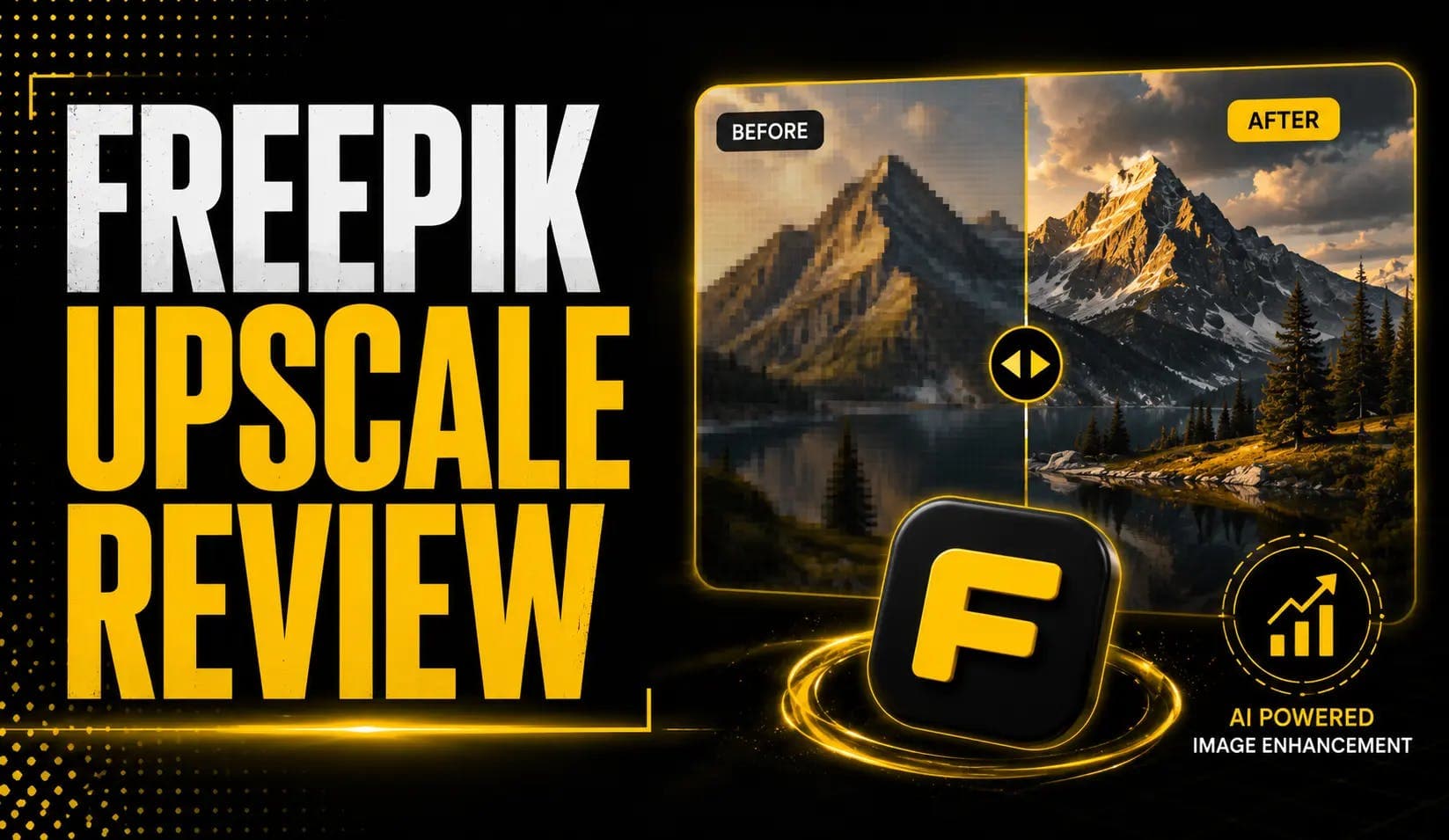
You generated a great image at low resolution, or you've got an old photo that falls apart the moment you zoom in. Freepik's upscaler promises to fix that — up to 16× enlargement and 10K resolution, with sliders that let you add or hold back detail. But "AI upscaler" is a phrase that's burned a lot of people with mushy, over-sharpened results. So does Freepik's actually work?
Short answer: yes, for most use cases, with real caveats at the extremes. Here's the honest breakdown. For the wider platform picture, see our full Freepik AI review.
First, a Naming Note: Freepik Is Now Magnific
If you go looking for Freepik's upscaler today, you'll land on Magnific. Freepik acquired Magnific AI in May 2024, and on April 28, 2026 the company rebranded to Magnific, with freepik.com now redirecting to magnific.com, per TheNextWeb. The upscaler is powered by Magnific's technology under the hood. The "freepik upscale" name still carries search value, but the live product is Magnific-branded — don't be surprised when the interface says Magnific.
What the Freepik Upscaler Does
At its core, it enlarges images while reconstructing detail. Per the official upscaler FAQ, the key specs:
- Up to 16× upscaling and up to 10K output resolution.
- Multiple mode families — Classic and Precision/Precision V2 for faithful reproduction, and Creative/Magnific for AI-invented detail at up to 16×. Per Magnific's mode guide.
- Three control sliders — Creativity, Resemblance, and HDR — each ranging from −10 to +10, giving fine-grained control over how much the model invents vs preserves.
- Works on photos, digital art, game textures, and 3D renders.
- Integrated pipeline — upscaling flows directly into editing, generation, and export without switching tools.
- Video upscaler (to 4K) and an API for developers.
Classic vs Creative: The Distinction That Matters Most
This is the single most important thing to understand, because picking the wrong mode is why people think the tool "doesn't work."
| Property | 🔍 Classic / Precision Mode | ✨ Creative / Magnific Mode |
|---|---|---|
| Max Enlargement | 2× or 4× | Up to 16× |
| Max Output | High quality at modest scale | Up to 10K resolution |
| Detail Approach | Faithful reproduction | AI-invented detail |
| Text Prompt Needed | No | Recommended (guides invented detail) |
| Best For | Real photos, products, faces | Digital art, low-res references, creative work |
| Hallucination Risk | Low | High — detail is invented, not recovered |
| Engine Name | Classic / Precision / Precision V2 | Magnific / Creative |
The rule: use Classic/Precision for real photos and products where you must not change the content. Use Creative/Magnific for digital art and low-res references where reimagined detail is the goal. If you feed a face into Creative mode expecting faithful enlargement, you'll get something plausible but wrong — and blame the tool.
Creative mode benefits from a text prompt to guide the invented detail. Classic mode needs no prompt — it just enlarges what's already there.
Does It Actually Work? The Honest Verdict
Yes, for most everyday use — with real limits at the extremes.
The rule of thumb: for faithful photographic enlargement at large-format print scale, Topaz is often preferred. For creative upscaling that reimagines a low-res reference, Freepik/Magnific leads. Per Photutorial's multi-week hands-on review, the tool performs best within reasonable enlargement ratios and starts showing strain at the absolute limits.
Freepik Upscale Pricing
The upscaler is bundled into Freepik/Magnific subscriptions, all credit-based. Upscaling consumes credits, so the smart move is to iterate at low resolution and upscale only the winning output.
| Tier | Approx. Monthly | Credits | Best For |
|---|---|---|---|
| Free | $0 | Limited daily generations | Good for testing |
| Premium | ~$20 (~$14.50 annual) | ~240K credits / year | Most individual creators |
| Premium+ | ~$45 (~$33.75 annual) | ~600K + credit-free on ~10 models | Power users |
| Pro | ~$280 (~$210 annual) | ~4M credits | Agencies, high volume |
| Business | ~$55/seat (annual, 2-seat min) | ~1.08M shared | Teams |
Verify current credit allotments on the official Magnific pricing page before committing — the company restructured credits in 2026 and numbers shift.
Freepik Upscale vs Topaz vs Nano Banana
Three-way comparison across the tools most often evaluated side-by-side. For the broader Freepik platform in context, see our full Freepik AI review. For another studio with built-in upscaling, our OpenArt AI review covers that option. For Nano Banana earlier in the generation pipeline, see Nano Banana for product photography.
| Factor | Freepik / Magnific | Topaz Gigapixel | Nano Banana |
|---|---|---|---|
| Type | Cloud, subscription | Desktop software, one-time fee | Generation + editing model |
| Max Resolution | 16× / 10K | High (model-dependent) | 4K on Pro (not a dedicated upscaler) |
| Best For | Creative upscaling, art, web | Faithful photo enlargement, batch work | Generating + editing; upscale earlier in pipeline |
| Offline | No | Yes | No |
| Approx. Cost | From $0 (credit-based sub) | ~$199 one-time | $0.039/img base (generation cost) |
| Detail Approach | Faithful or AI-invented | Faithful reproduction | Not applicable |
The Scale Behind Freepik / Magnific
Post-rebrand, the company reported $230M ARR in 2026, 1M+ paying subscribers, 250+ enterprise customers (including BBC and Puma), and 4M+ images generated per day. It's a serious, well-resourced tool — which is part of why the upscaler keeps improving with each model update.
Watch the Upscaler in Action
This official walkthrough shows the Precision upscaler on real images:
▶ Watch:
Frequently Asked Questions
Does the Freepik Upscaler Actually Work?
Yes, for most social, web, and creative use — results are solid up to reasonable enlargements. At maximum 10K or heavy print zoom, you may see over-sharpening or texture artifacts. Choosing the right mode (Classic for faithful, Creative for reimagined) is the biggest factor in whether it "works" for your specific image.
What's the Difference Between Classic and Creative Upscaling?
Classic faithfully reproduces the original at 2× or 4×. Creative goes up to 16× and invents new detail to fill the enlargement. Use Classic for real photos and products; Creative for digital art and low-res references where reimagined detail is acceptable.
Is Freepik Upscale the Same as Magnific?
Effectively yes. Freepik acquired Magnific in 2024 and rebranded to Magnific in April 2026. The upscaler is powered by Magnific's technology; freepik.com now redirects to magnific.com. For the wider platform picture, see our Freepik AI review.
Freepik Upscale or Topaz — Which Is Better?
Topaz is better for faithful, batch enlargement of real photos and works offline for a one-time fee of ~$199. Freepik/Magnific is better for creative upscaling that reimagines low-res references, with higher max resolution (16×/10K) but a subscription model.
How Much Does It Cost?
Bundled into Freepik/Magnific plans from a limited free tier up to Pro at ~$280/month. Upscaling uses credits, so upscale only your final picks. Verify current rates at magnific.com/pricing.
The Bottom Line
Freepik's upscaler works — as long as you use the right mode for the job and don't push it to 10K expecting flawless print detail. For faithful, high-volume photo enlargement, Topaz still edges it. For everything else, run your low-res winner through Creative or Precision mode and see the result before you judge. Test it on one real image today and pick the mode that matches your goal.